
Most real estate agents have access to more data than ever before, yet still make decisions based on gut instinct and outdated spreadsheets. The gap between agents who grow agent business with data tools and those who struggle isn't talent. It's process. The agents closing more deals, finding better leads, and spending less time on research aren't working harder. They've built systems where data does the heavy lifting. This guide walks you through exactly how to set up those systems, avoid the traps most agents fall into, and measure whether any of it is actually working.
Table of Contents
- Key Takeaways
- How to grow your agent business with data tools
- Implementing AI-driven tools step by step
- Common mistakes that slow agents down
- Measuring whether your data tools are working
- My honest take on data tools in real estate
- How Wholesalehq puts this into practice for you
- FAQ
Key Takeaways
| Point | Details |
|---|---|
| Start with 1-3 data sources | Focused pilots deliver faster ROI than trying to connect every data source at once. |
| Avoid the perfect data trap | You don't need clean data across the board. Clean only what's needed for your specific problem. |
| Use strategy prompts with AI | Generic questions get generic answers. Context-rich prompts turn AI into a real business advisor. |
| Track lead conversion, not just activity | The most meaningful KPI for agents is how data tools change your conversion rate, not just time saved. |
| Wholesalehq gives you a head start | Built-in scoring metrics and market data mean you're not starting from scratch with raw numbers. |
How to grow your agent business with data tools
Before you touch a single tool, you need to understand what you're actually trying to solve. Most agents fail at data adoption because they start with the tool instead of the problem. They sign up for a CRM, connect a few integrations, and wait for magic. It doesn't work that way.
The three categories of tools that matter most for real estate agents are CRM platforms, AI analytics agents, and sales automation software. Your CRM is the foundation. It stores client history, tracks deal stages, and logs every touchpoint. AI analytics agents sit on top of that data and surface patterns you'd never find manually. Sales automation handles the repetitive outreach so you can focus on relationships.
Here's what those tools look like in practice for agents:
- CRM platforms (like Salesforce or HubSpot): Track leads, manage follow-up sequences, and log communication history
- AI analytics agents: Analyze your pipeline data and flag which leads are most likely to convert based on behavior signals
- Market data tools (like Wholesalehq): Score neighborhoods by motivation levels, cash transaction rates, and competitor density so you know where to focus acquisition efforts
- Sales automation: Automate email sequences, appointment reminders, and follow-up cadences without manual effort
The biggest mistake agents make at this stage is trying to connect everything at once. Focusing on 1 to 3 data sources for your initial setup is the recommended approach, and for good reason. Complexity kills momentum.
Pro Tip: Before picking any tool, write down the one business problem costing you the most time or money. Every tool you add should directly address that problem. If it doesn't, it's a distraction.
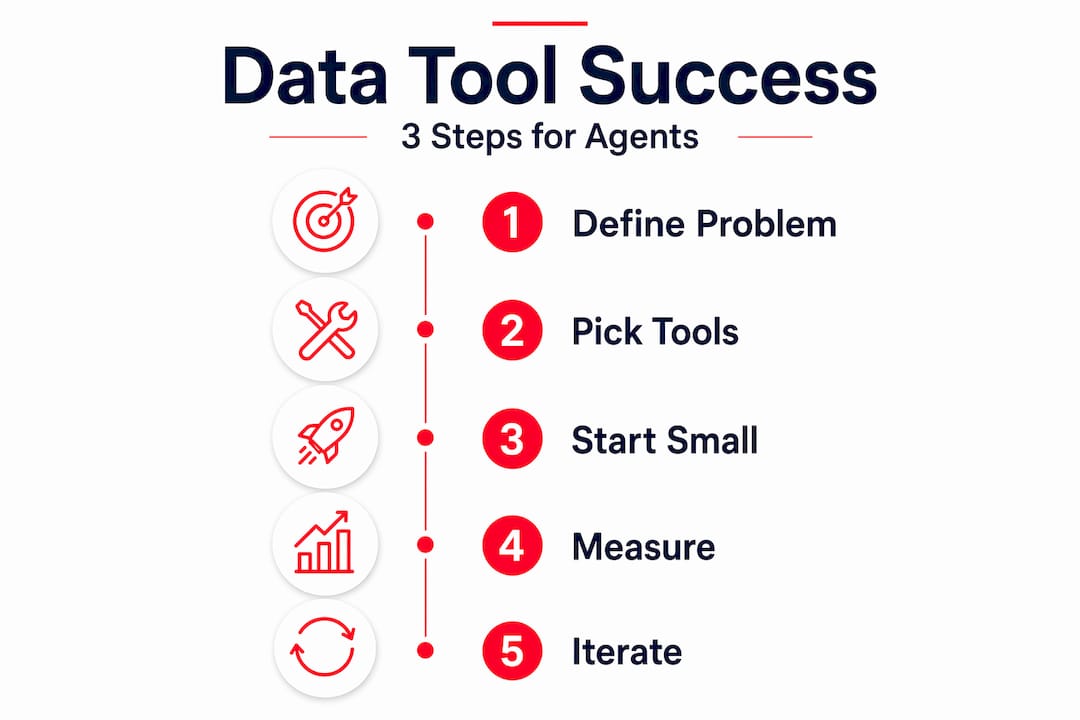
Data quality is a real concern, but don't let it paralyze you. You don't need a perfect database before you start. You need data that's good enough to answer your specific question. The perfect data trap is real: agents spend months cleaning their CRM before they ever run a single analysis, and by then, the motivation is gone.
Implementing AI-driven tools step by step
Once you've identified your core problem and picked your initial tools, the implementation process follows a clear sequence. Skipping steps here is where most agents lose weeks of progress.
-
Connect your CRM to your primary data source. This is usually a market data feed or lead database. The goal is a single place where client data and market data live together. Without this connection, your AI tools are working with incomplete information.
-
Create strategy prompts for your AI agent. This is the step almost everyone skips, and it's the most important one. Strategy prompts given to AI agents convert generic data answers into specific business recommendations. Instead of asking "What are my top leads?", ask "Which leads in the 32801 zip code have shown buying signals in the last 30 days and haven't been contacted in two weeks, given that my average deal closes in 45 days?" The second question gets you a to-do list. The first gets you a table.
-
Build a custom dashboard for your specific workflow. Generic dashboards show you everything. Custom dashboards show you what matters. For most agents, that means lead conversion rate by source, days to close by neighborhood, and follow-up response rates.
-
Run a focused pilot for four to six weeks. Real-world ROI from focused AI pilots can be realized in as little as four to six weeks when you stay focused on one problem. Don't expand scope until you've seen measurable results from the first use case.
-
Integrate AI recommendations into your daily routine. Set a 15-minute morning review where you check your AI agent's recommendations before you plan your day. AI agents synthesize CRM and engagement data to predict the most effective outreach strategy, shifting from passive reporting to proactive next-best-action guidance.
-
Document what's working. As your AI agent processes more queries, it builds context. Shared memory created by AI analytics agents captures query history and usage patterns, making recommendations sharper over time.
Pro Tip: When setting up your AI agent, pre-load it with your business context: your average deal size, the neighborhoods you specialize in, your typical client profile, and your conversion benchmarks. This context dramatically improves the quality of every recommendation it gives you.
Common mistakes that slow agents down
Even agents who start well hit predictable walls. Knowing what those walls look like makes them much easier to get past.
The biggest one is data overwhelm. You connect five tools, get five dashboards, and suddenly you're spending more time analyzing than selling. The fix is ruthless prioritization. Pick two or three metrics that directly connect to revenue and ignore everything else until those are moving.
Here's a quick list of the most common mistakes and how to handle them:
- Waiting for perfect data: Traditional sales forecasting suffers from the assumption that clean data is a prerequisite. It isn't. Start with the data you have and clean only what's needed for your specific analysis.
- Using AI as a reporting tool: If your AI agent is just generating charts, you're not using it right. Push it to give you specific next actions, not summaries.
- Expecting overnight results: Data tools compound over time. The first two weeks feel slow. By week six, the difference is obvious.
- Ignoring the human layer: Data tells you who to call. It doesn't tell you what to say. Your relationship skills still determine the close.
"The greatest pitfall isn't bad data. It's waiting for good data before taking action. Focus on cleaning data relevant to your specific high-impact problem, not your entire database." — Salesforce Fast-Start Playbook
Managing expectations matters here. Agents who treat data tools as a long-term infrastructure investment see compounding returns. Agents who treat them as a quick fix get frustrated and quit after 30 days.
Measuring whether your data tools are working
Knowing your tools are working requires measuring the right things. Activity metrics (emails sent, calls made) tell you about effort. Outcome metrics tell you about results.

The table below shows the difference between vanity metrics and meaningful KPIs for agents using data tools:
| Metric type | Example | What it actually tells you |
|---|---|---|
| Vanity metric | Number of leads in CRM | Volume, not quality or conversion likelihood |
| Outcome metric | Lead-to-appointment conversion rate | Whether your targeting and outreach are working |
| Vanity metric | Emails sent per week | Activity level, not effectiveness |
| Outcome metric | Days from first contact to close | Whether your pipeline is accelerating |
| Outcome metric | Revenue per lead source | Which data sources are worth paying for |
Autonomous AI agents for data analysis can reduce manual workload by 50 to 70%, which means the time you save should show up somewhere. Track how many hours per week you spend on research before and after implementation. That number alone often justifies the cost of the tools.
For monitoring AI agent impact specifically, look at recommendation acceptance rate. If your AI suggests 10 actions per week and you're acting on 8 of them, it's well-calibrated. If you're acting on 2, the prompts need refinement.
Pro Tip: Set a 30-day and 90-day benchmark before you start. Write down your current lead conversion rate, average days to close, and weekly research time. Then compare at each milestone. Without a baseline, you can't measure progress.
Iterate constantly. The agents who get the most from data tools treat them like a sales rep they're coaching. Review what the AI recommended, note what worked, and adjust your strategy prompts accordingly.
My honest take on data tools in real estate
I've watched a lot of agents adopt data tools the wrong way, and the pattern is almost always the same. They buy the most expensive platform, try to use every feature at once, and burn out within 60 days. Then they tell everyone that "data tools don't work for real estate."
What I've found actually works is the opposite approach. Start embarrassingly small. One problem. One data source. One metric. The agents I've seen grow fastest with data aren't the most tech-savvy. They're the most disciplined about staying focused.
The other thing I've learned is that the agentic era fundamentally shifts business growth toward verified data infrastructure fueling AI recommendations. That's not hype. I've seen agents cut their research time in half and redirect that time into client conversations. The deals that came from those conversations paid for the tools ten times over.
My honest concern with the industry is that too many agents treat data as a replacement for relationships. It isn't. Data tells you who is most likely to sell, when to reach out, and what price makes sense. The human conversation that follows is still entirely yours to win or lose. The best agents I know use data to get in front of the right people more often, then rely on their expertise to close. That combination is genuinely hard to compete with.
— Zach
How Wholesalehq puts this into practice for you
Building a data foundation from scratch takes time most agents don't have. That's where Wholesalehq changes the equation.
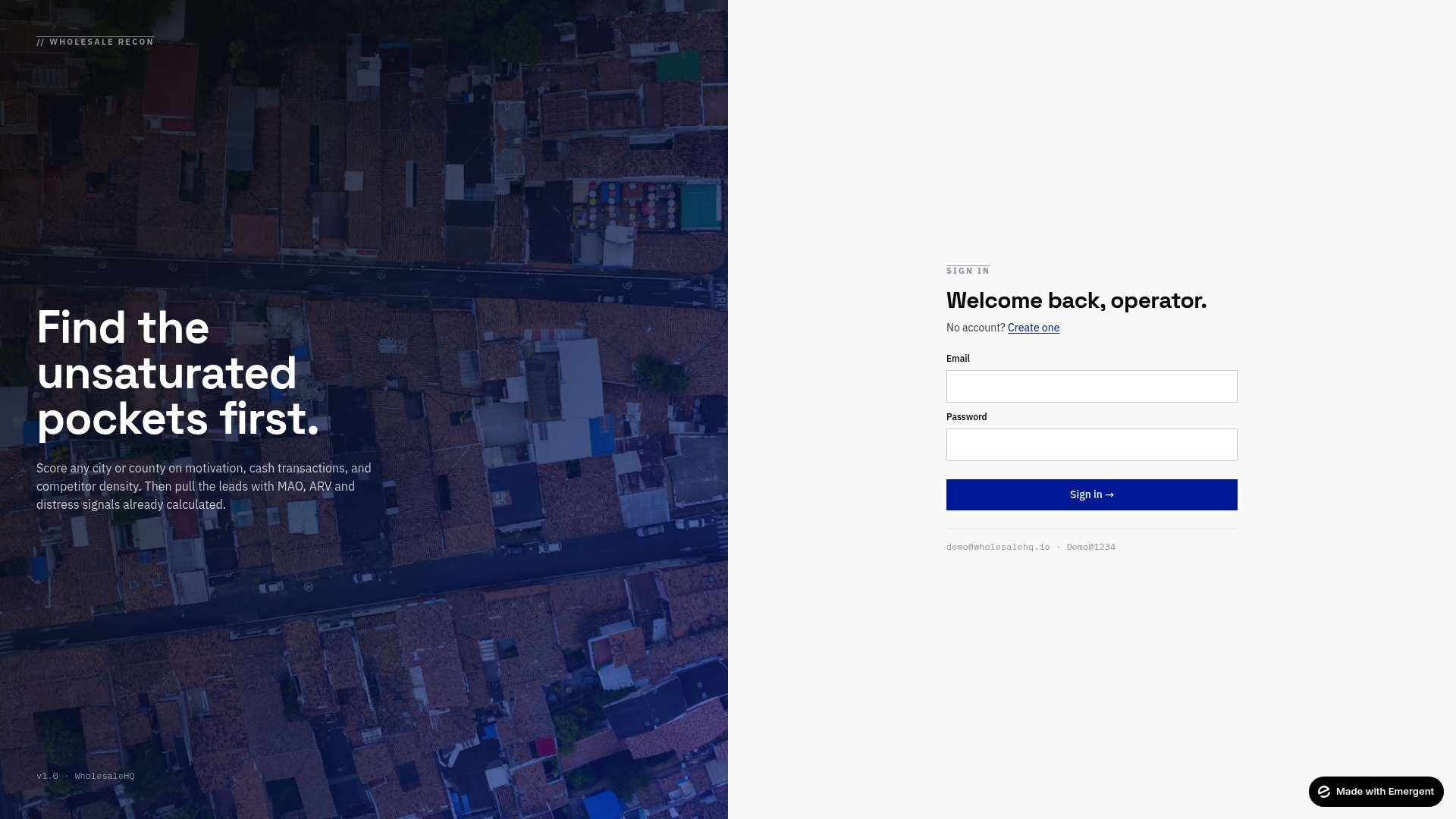
Wholesalehq combines motivation scoring, cash transaction analysis, and competitor density metrics into a single platform built specifically for real estate professionals. Instead of pulling data from five different sources and hoping your CRM connects them cleanly, you get pre-scored markets with calculated MAO and ARV figures ready to act on. The Wholesalehq platform gives you the data infrastructure that typically takes months to build, available from day one. If you're serious about using data to find better leads and close more deals in less time, it's worth exploring what Wholesalehq has already built for agents exactly like you.
FAQ
What data tools do real estate agents actually need?
Most agents need three things: a CRM to track leads and communication, a market data tool to identify motivated sellers and underserved areas, and an AI analytics layer to surface patterns and recommend next actions. Start with one or two before adding more.
How long does it take to see results from data tools?
Focused AI pilot projects typically deliver measurable ROI in four to six weeks when you stay focused on one specific business problem rather than trying to overhaul your entire workflow at once.
Do I need clean data before using AI analytics?
No. Waiting for perfect data is one of the most common reasons agents delay getting started. Clean only the data relevant to your specific problem, and begin generating insights from what you already have.
How do I know if my AI agent is giving good recommendations?
Track your recommendation acceptance rate. If you're consistently ignoring the AI's suggestions, the strategy prompts need more business context. AI agents improve over time as they accumulate query history and learn your priorities.
What's the most important KPI for agents using data tools?
Lead-to-appointment conversion rate. It directly measures whether your data-driven targeting is putting you in front of the right people. Time saved on research is a close second, since it frees capacity for more client-facing work.